
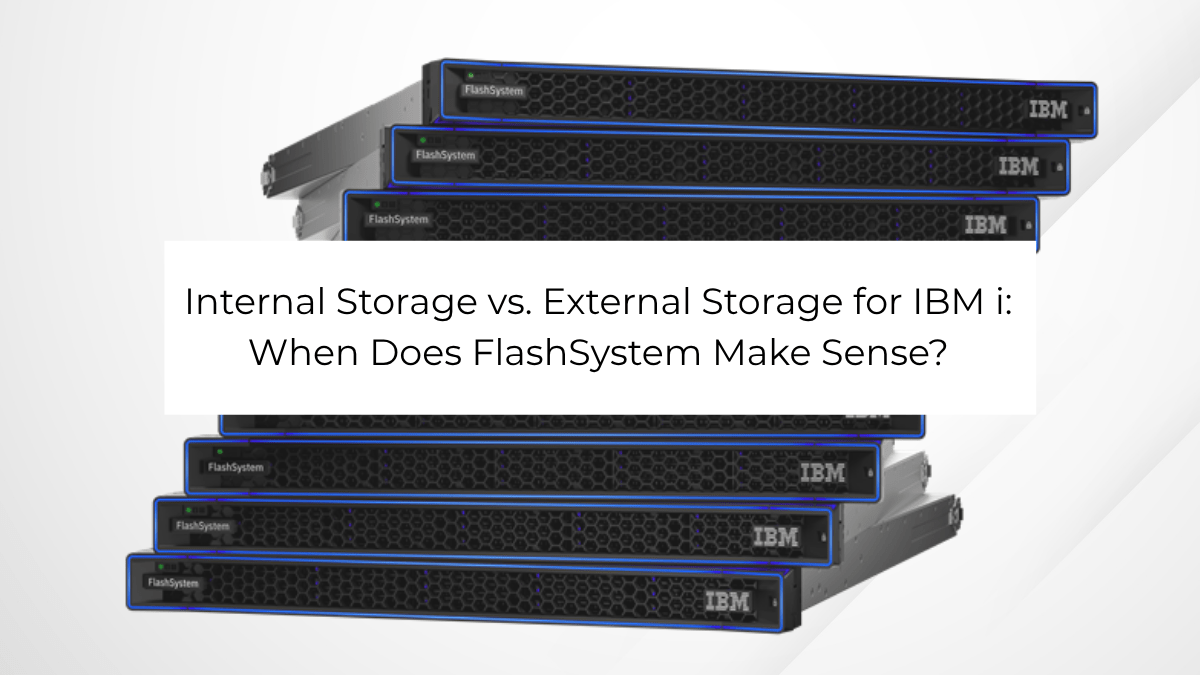
One of the nice things about IBM i is that there are a lot of ways to build the infrastructure around it. Storage is a good example. You can run IBM i on internal storage inside the Power server, or you can connect it to external storage like IBM FlashSystem.
Both are good options. I don’t think every IBM i customer needs external storage, and I also don’t think the decision should simply come down to which option is faster. It really depends on the environment, how critical IBM i is to the business, and what you’re trying to accomplish over the next several years. I think what’s most important is that business partners and trusted advisors should be having this conversation with the companies they are engaging with.
When Internal Storage Makes Sense
For a lot of IBM i shops, internal storage is a great fit. If you have a single Power server, straightforward storage requirements, and don’t need a complex high availability or disaster recovery architecture, keeping storage inside the server can make a lot of sense.
It’s simple, there are fewer components to manage, and today’s internal storage can provide plenty of performance for many IBM i workloads.
I wouldn’t recommend external storage just for the sake of having external storage. There should be a reason for it.
Where the conversation starts to change is when you begin asking more of the storage than simply providing capacity and performance.
When FlashSystem Starts to Make Sense
As IBM i becomes more critical to the business, I think the questions around storage start to change.
- How quickly could we recover if something happened to production?
- How are we protecting our data from ransomware?
- Do we need to replicate to another location?
- Are we supporting multiple Power servers?
- What happens when we outgrow this storage?
- How difficult is the next migration going to be?
That’s where FlashSystem starts to get interesting. IBM really builds the FlashSystem story around three things: performance, resiliency and efficiency. And while performance is certainly important, I think resiliency and flexibility are becoming just as important for IBM i customers.
It’s About More Than Performance
FlashSystem is obviously designed to be fast. IBM FlashCore Modules can handle things like compression and encryption at the drive level, helping the system maintain performance while still providing those storage services.
But if performance were the only benefit, I think the decision between internal and external storage would be a lot simpler.
One of the bigger reasons I would look at FlashSystem today is cyber resilience.
IBM i has a great reputation for security, but security and recovery aren’t the same thing. If something happens to your production environment, you still need a plan for getting the business back up and running.
FlashSystem adds capabilities around ransomware detection, immutable snapshots, encryption and recovery. IBM also integrates FlashSystem with Storage Insights to help identify suspicious activity and determine which volumes may have been affected.
That doesn’t replace your IBM i backups, HA or disaster recovery strategy. It gives you another layer of protection.
For a company running its ERP, manufacturing, distribution or other critical business applications on IBM i, that’s a pretty important conversation to have.
More Options for HA and Disaster Recovery
External storage can also give you more flexibility when you’re designing an HA or disaster recovery strategy. FlashSystem supports replication and multi-site architectures that can become part of the overall IBM i resiliency design.
That doesn’t mean storage replication is the right answer for everyone. PowerHA, logical replication and other technologies may still make more sense depending on the environment. The benefit is having more options.
The same applies when it’s time to refresh the storage. IBM Storage Virtualize and FlashSystem Grid are designed to make it easier to manage storage resources and move workloads between systems. FlashSystem can also virtualize older or third-party storage, which can make transitioning from an existing storage platform easier.
Anyone who has been through a difficult storage migration can appreciate the value of making the next one easier.
So Which One Is Right for IBM i?
I don’t think there’s a specific number of users, terabytes or partitions where you suddenly cross a line and need external storage.
I’ve seen relatively small IBM i environments where FlashSystem makes a lot of sense because the applications running on IBM i are absolutely critical to the business. I’ve also seen larger environments where internal storage is still the right answer because simplicity is the priority.
For me, FlashSystem starts to make more sense when the conversation includes things like cyber resilience, faster recovery, HA and DR, multiple Power servers, storage growth, performance, or making future migrations easier.
At that point, you’re not just deciding where to store your IBM i data. You’re deciding how you want to protect, manage and move that data over the life of the environment.
That’s why I think storage should be part of the conversation anytime you’re planning a larger IBM i infrastructure refresh.
If you’re looking at a new Power10 or Power11, don’t just look at the server. Take the opportunity to look at the whole stack: server, storage, SAN, backups, HA and disaster recovery.
You may go through that process and determine that internal storage is exactly what you need. That’s perfectly fine.
But if resiliency, recovery and long-term flexibility are becoming more important, IBM FlashSystem is definitely worth a look.